
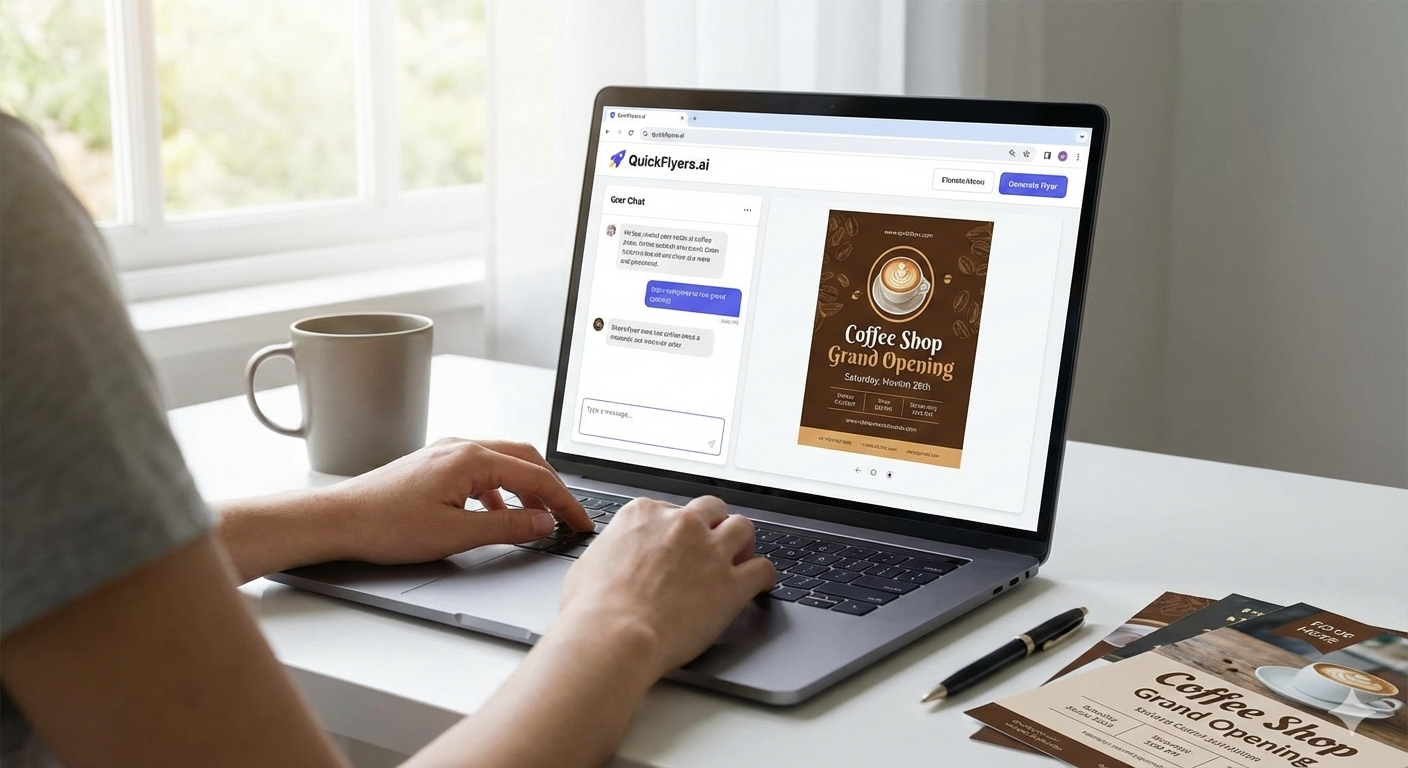
Welcome to QuickFlyers.ai! This guide will walk you through creating your first professional flyer in just a few minutes.
What is QuickFlyers.ai?
QuickFlyers.ai is an AI-powered flyer design tool that lets you create professional, print-ready A4 flyers through simple conversation. No design skills required — just describe what you need, and our AI handles the rest.
Creating Your First Flyer
Step 1: Describe Your Flyer
Start by telling the AI what kind of flyer you want to create. Be specific about:
- The purpose (event, promotion, announcement, etc.)
- Key details (dates, times, locations, prices)
- The tone (professional, fun, elegant, bold)
For example: “Create a flyer for a coffee shop grand opening this Saturday. Modern and inviting style with warm colors.”
Step 2: Review and Refine
Once the AI generates your initial design, you can:
- Ask for color changes
- Request different layouts
- Add or remove elements
- Upload your own logo or images
Step 3: Export and Print
When you’re happy with your design, download it as a high-resolution PNG ready for professional printing.
Tips for Better Results
- Be specific — The more details you provide, the better the result
- Iterate — Don’t hesitate to ask for changes
- Upload your brand assets — Add your logo for consistent branding
- Use the version history — Experiment knowing you can always go back
Ready to Start?
Sign up for free and get 50 welcome credits to create your first flyer. No credit card required!